 CloudConsole
About CloudConsole: facts and figures
CloudConsole is an independent iPhone and Android app for Amazon Web Services, made by Cloudconcur Ltd in the UK. It is not affiliated with Amazon. It is on the App Store and Google Play now.
At a glance
| What it is | An independent mobile app for Amazon Web Services (AWS): alarms, logs, deploys, costs and resources across your AWS accounts and regions, with changes behind guardrails. |
|---|---|
| Made by | Cloudconcur Ltd, a UK company. |
| Affiliation | None. CloudConsole is not made, endorsed or sponsored by Amazon Web Services. |
| Platforms | iPhone: on the App Store now. Android: on Google Play now. |
| Price | Free: one AWS account, read-only, plus a built-in demo. CloudConsole Pro: £14.99 a month in the UK ($14.99 in the US, the equivalent local price elsewhere). No free trial. |
| Sign-in | AWS IAM Identity Center (AWS SSO), IAM access keys with optional MFA, and assumed roles (with External ID). |
| AWS services | About 130: 24 with their own screens and about 110 more read-only through AWS Cloud Control. |
| Integrations | GitHub Actions and Slack, plus a “What changed?” timeline on each alarm. |
| Privacy | Credentials stay on the phone (iOS Keychain / Android Keystore). The app calls AWS directly; there is no CloudConcur server. The app has no analytics or tracking. |
| Contact | [email protected] · cloudconsole.dev · LinkedIn · Instagram |
What it is
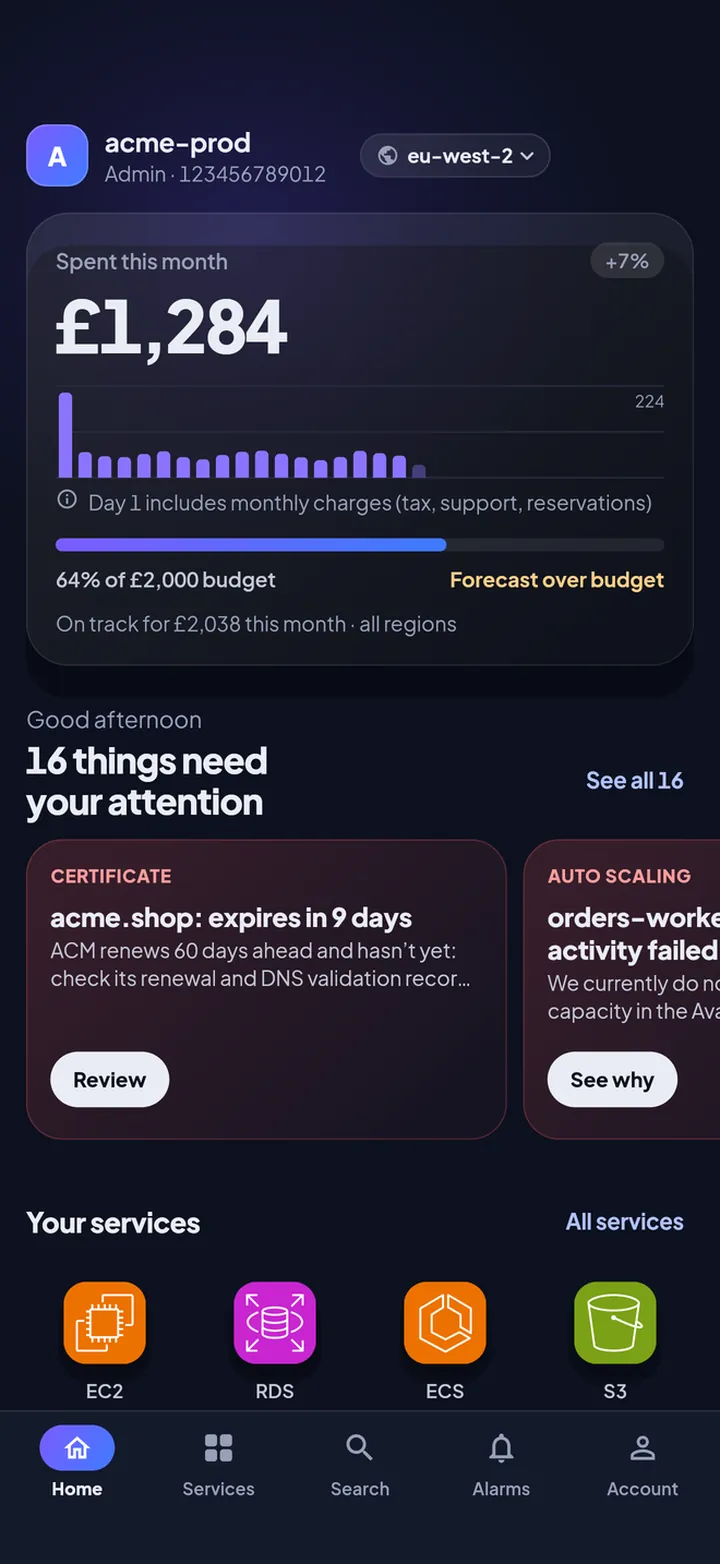
A phone app for the AWS accounts you already have. The home screen answers one question, does anything need me?, by pulling together alarms in ALARM, failed or waiting deploys, backed-up queues and jumps in spend across every account and region you add. From there you can read the metric behind an alarm, tail and search logs, run Logs Insights queries, see the bill and, with Pro, make changes such as restarting a service, scaling, redriving a queue or approving a deploy.


What it isn’t
- Not Amazon’s app. Amazon publishes its own app, the AWS Console Mobile Application. CloudConsole is a separate, independent product and is not affiliated with, endorsed by or sponsored by Amazon Web Services.
- Not a hosted service. There is no CloudConcur account and no CloudConcur server between your phone and AWS. Nothing is deployed in your AWS account.
- Not a way round IAM. The app can only do what the credentials you give it allow. Pro unlocks the app’s change buttons, not AWS permissions.
Platforms and availability
- iPhone and iPad: available now on the App Store.
- Android: on Google Play now, with a home-screen widget for month-to-date spend.
Pricing
- Free: one AWS account, read-only, including alarm alerts on the phone, plus a built-in demo that needs no AWS account.
- CloudConsole Pro: £14.99 a month in the UK, $14.99 in the US, and the equivalent local price elsewhere (the store shows yours before you pay). Adds changes with guardrails, unlimited accounts and roles, and Logs Insights. No free trial; cancel any time in your store account.
AWS charges for some API calls whatever your plan, for example $0.01 per Cost Explorer request. See Free and Pro.
Privacy model
- Credentials (SSO tokens, session credentials, access keys) are stored only on the phone, in the iOS Keychain or Android Keystore.
- The app signs each request on the phone (AWS Signature Version 4) and calls AWS endpoints directly over HTTPS. Cloudconcur runs no server that sees your credentials, resources, logs or bills.
- No analytics, advertising or tracking code, and no account system. RevenueCat manages subscription status against an anonymous ID. On iPhone, Apple’s anonymous AdServices token is used to attribute App Store ads; the app never asks for tracking permission.
- Crash reports go to Sentry (EU region), scrubbed on the phone of AWS account IDs, ARNs, resource names, keys and IP addresses. Account → Support → Send crash reports turns them off.
- GitHub tokens and Slack webhook URLs, if you add them, are kept in the phone’s secure storage and used to talk to GitHub and Slack directly.
Details: security model, where credentials are stored and the privacy policy.
What it supports
- AWS services: about 130. EC2, Lambda, ECS, S3, RDS, DynamoDB, CloudWatch alarms and logs, Logs Insights, Billing and Cost Explorer, SQS, Step Functions, EventBridge, CodePipeline, CodeBuild, CloudFormation, CloudTrail, IAM, Secrets Manager, Certificate Manager, Systems Manager, Route 53, CloudFront, API Gateway and Auto Scaling have their own screens (24 in all); about 110 more are read-only through AWS Cloud Control. See services.
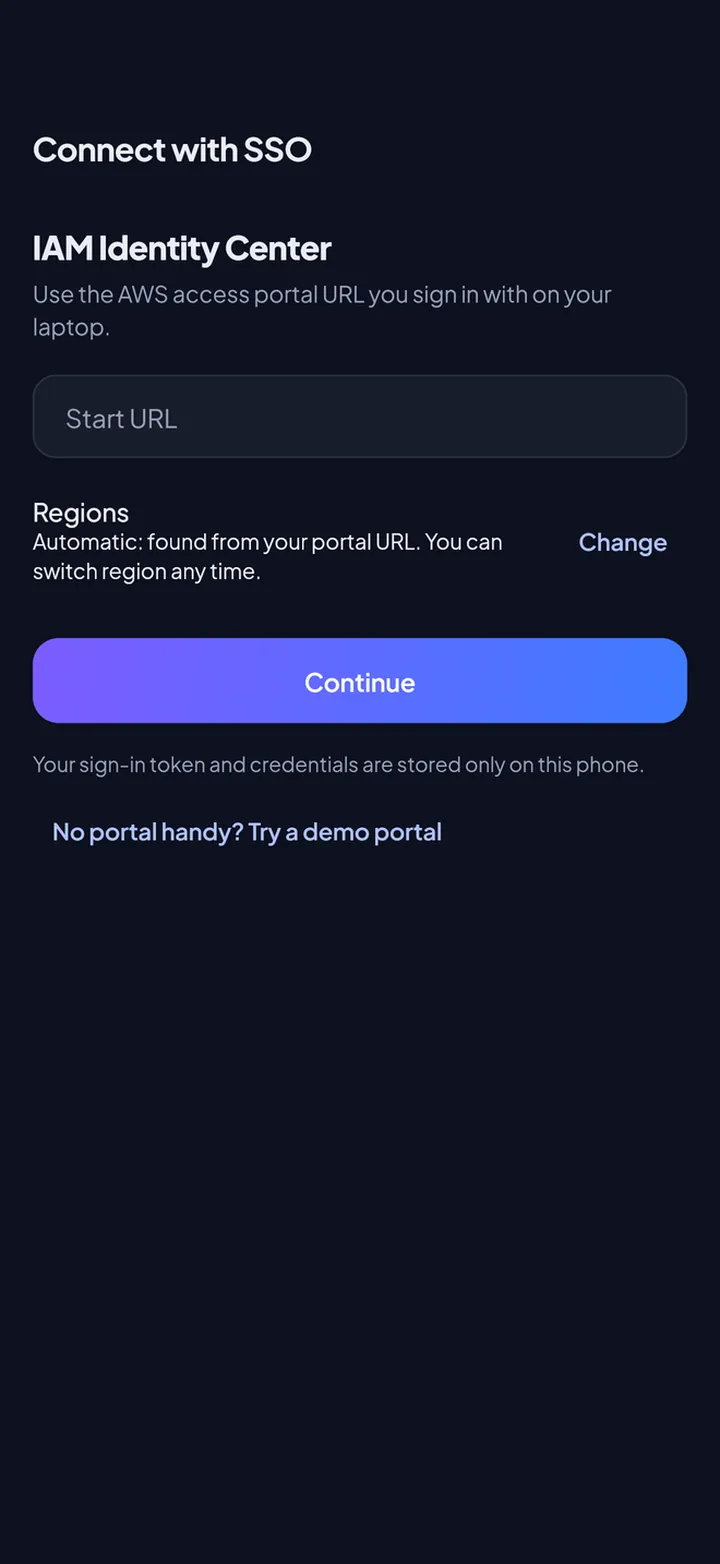
- Sign-in: IAM Identity Center (AWS SSO) with your start URL, IAM access keys with optional MFA, and assumed roles across accounts, with External ID. See AWS SSO on your phone.
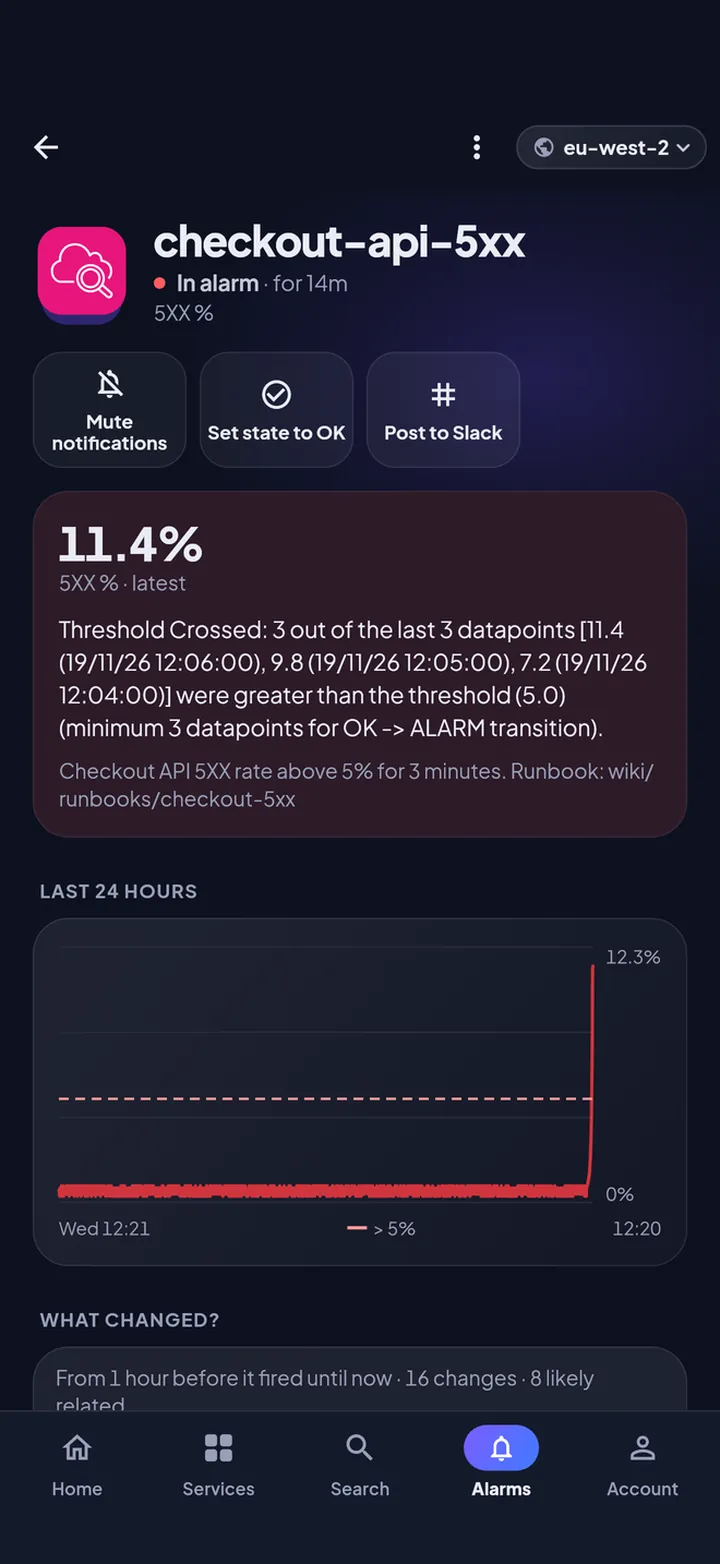
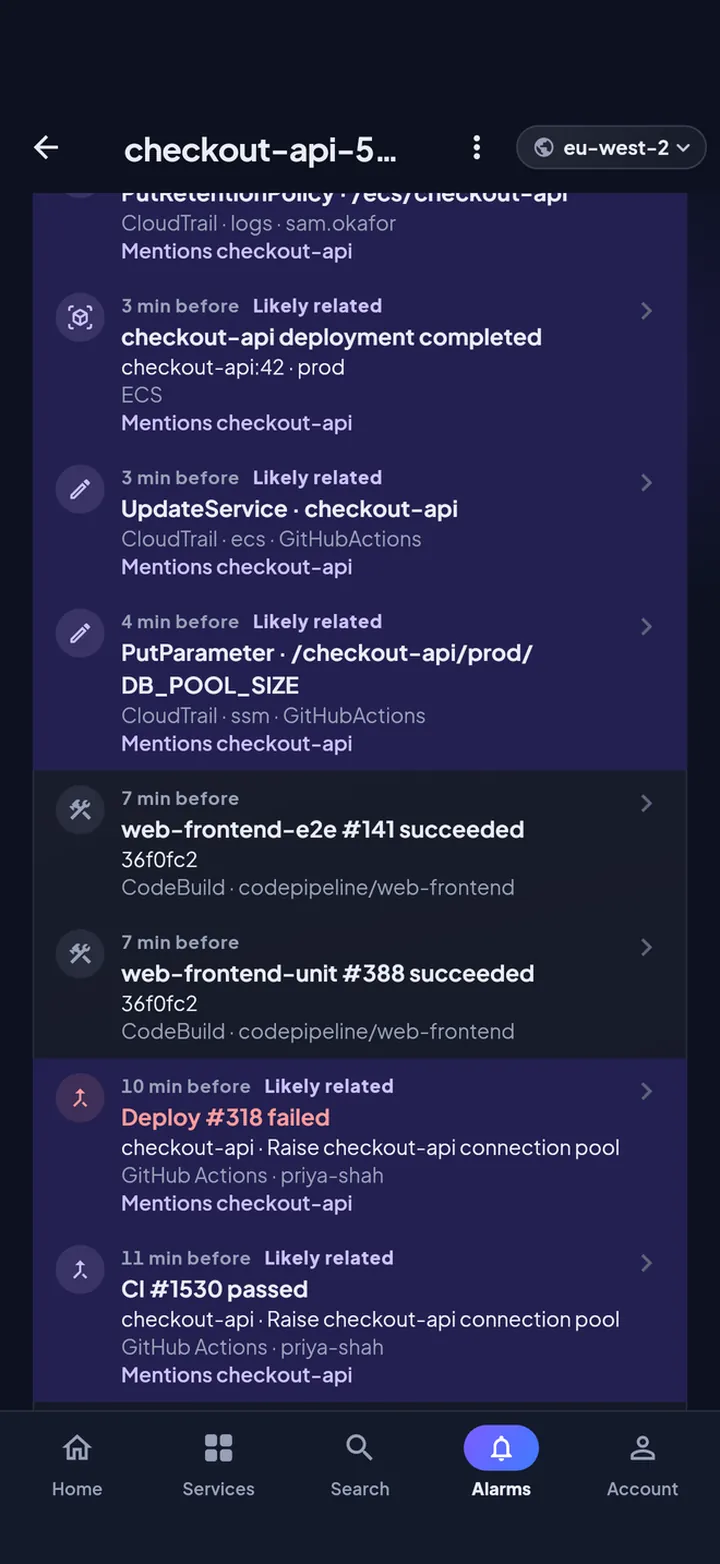
- Integrations: GitHub Actions (runs, logs, re-runs and deployment approvals), Slack (post an alarm or resource to a channel) and “What changed?”, a timeline on each alarm of the deploys and changes from the hour before it fired.
- Safety: a confirmation level per account (typed confirmation by default, Face ID or fingerprint optional), read-only accounts, app lock and an on-device history of every change. See guardrails.
How it differs from Amazon’s AWS Console mobile app
Amazon’s AWS Console Mobile Application is made by AWS and is free. CloudConsole is an independent, paid-for-Pro alternative built around on-call work:
- it starts from what needs attention across all your accounts and regions, rather than from a list of services;
- every change goes through a guardrail you set per account and is logged on the phone;
- it adds Logs Insights queries, GitHub Actions, Slack and a “What changed?” timeline on alarms;
- it never involves a third-party server: the phone talks to AWS, GitHub and Slack directly.
For a side-by-side comparison, see CloudConsole vs the AWS Console mobile app.
Press kit
- App icon: apple-touch-icon.png (180 × 180 PNG)
- Social image: og.png (1200 × 630 PNG)
- Screenshots from the real app, on demo data:
- 01-home (720 px, WebP)
- 07-alarm (720 px, WebP)
- 20-what-changed (720 px, WebP)
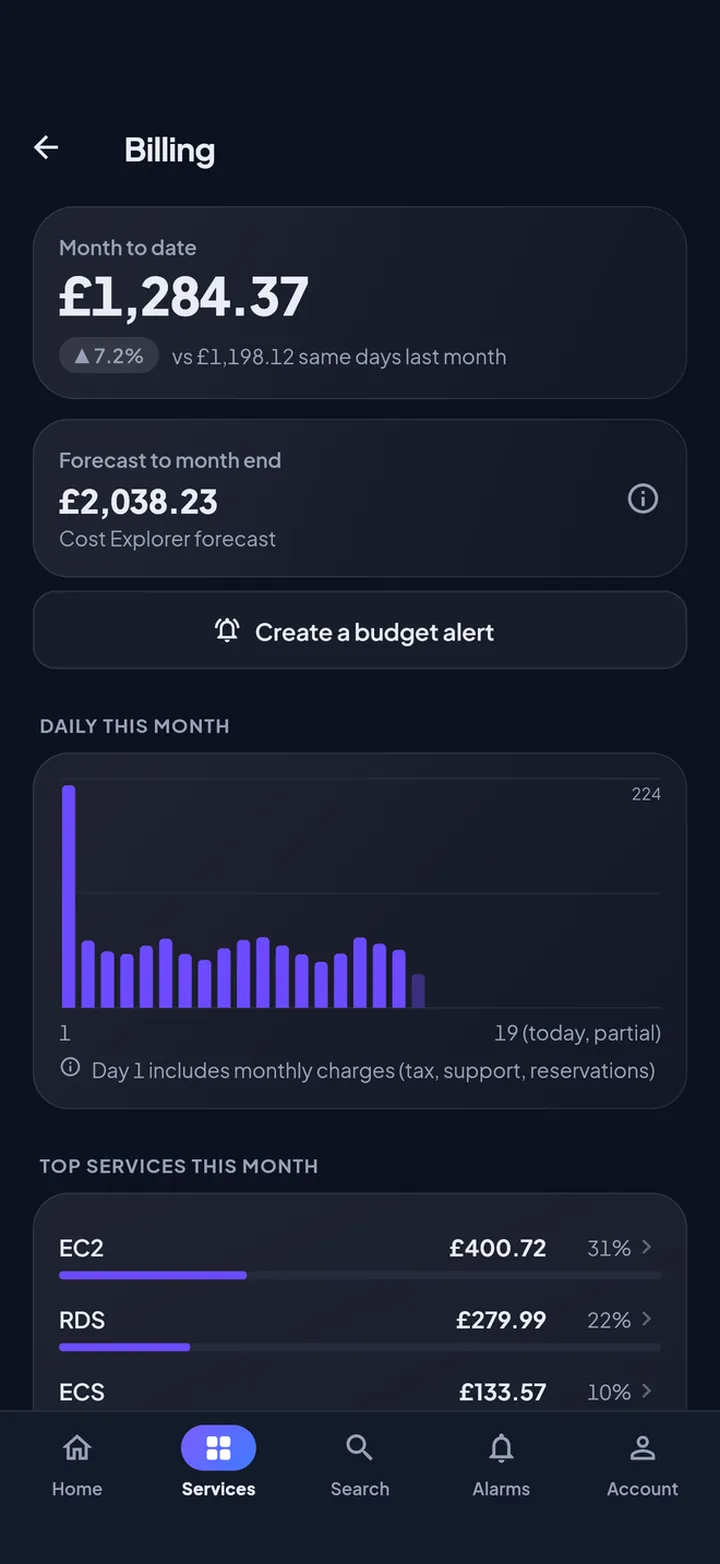
- 11-billing (720 px, WebP)
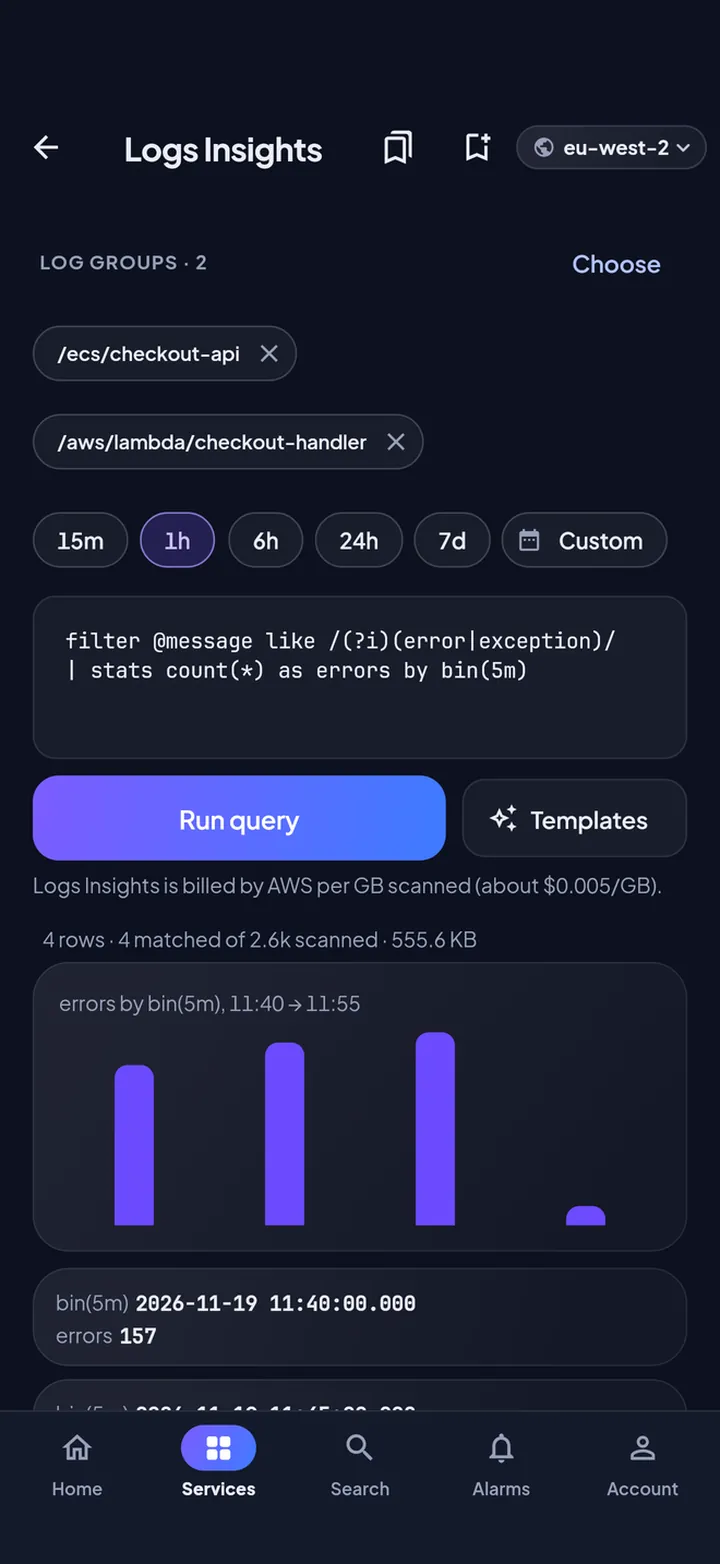
- 15-insights (720 px, WebP)
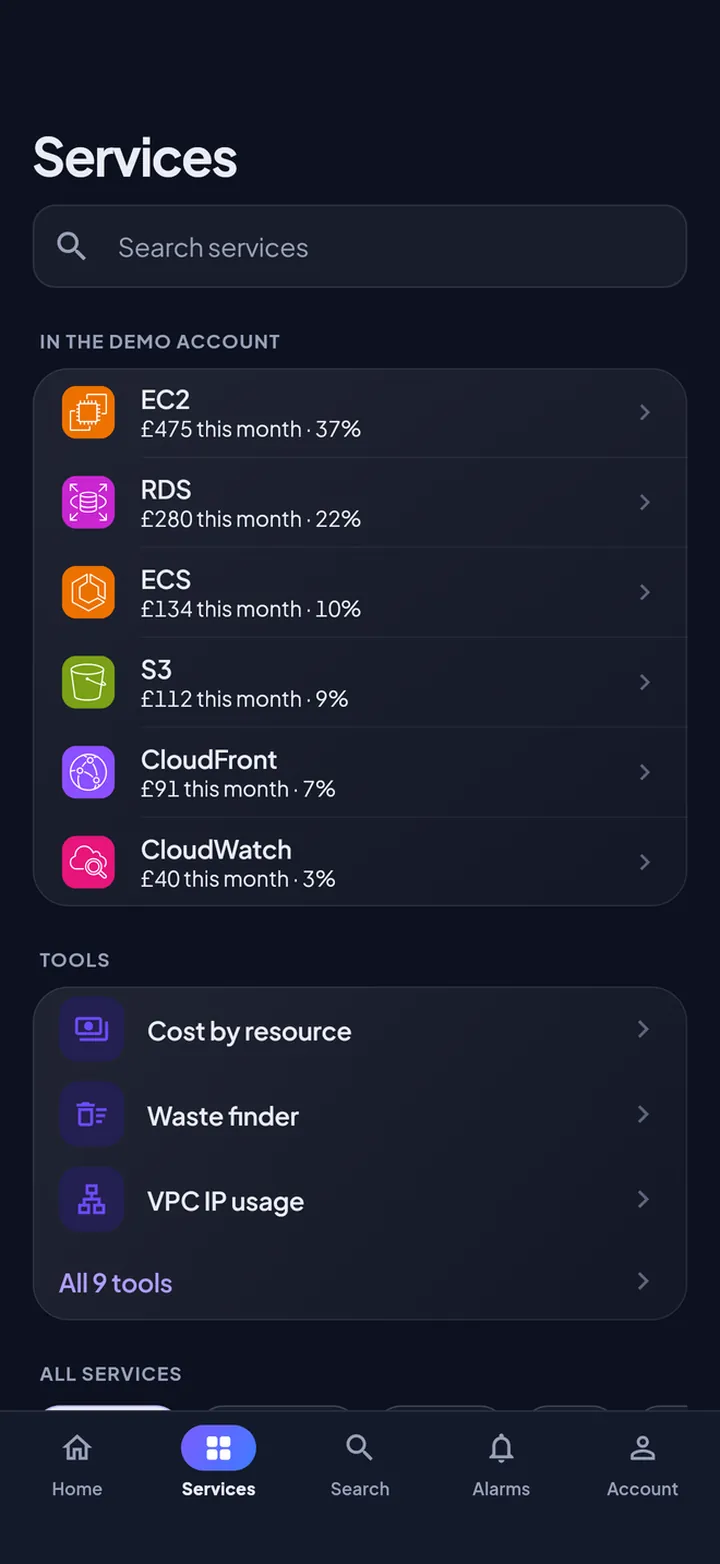
- 03-services (720 px, WebP)
- 04-sso (720 px, WebP)
- d1-home (720 px, WebP)
- Preview video: preview.mp4 (25 seconds, no audio)
Please describe CloudConsole as “an independent iPhone and Android app for AWS by Cloudconcur Ltd” and don’t use AWS logos alongside it. Press questions: [email protected].
Questions
Is CloudConsole made by Amazon?
No. CloudConsole is an independent app made by Cloudconcur Ltd, a UK company. It works with your Amazon Web Services accounts but is not affiliated with, endorsed by or sponsored by Amazon. Amazon’s own app is the AWS Console Mobile Application.
Does CloudConsole store my AWS keys?
Only on your phone, in the iOS Keychain or Android Keystore. The app signs each request on the phone and sends it straight to AWS. Cloudconcur runs no server that receives your credentials, resources, logs or bills.
How much does CloudConsole cost?
One AWS account, read-only, is free, and so is the built-in demo. CloudConsole Pro is £14.99 a month in the UK ($14.99 in the US, the equivalent local price elsewhere) and adds changes with guardrails, unlimited accounts and roles, and Logs Insights. There is no free trial.
Does CloudConsole work with AWS SSO?
Yes. It signs in with AWS IAM Identity Center (AWS SSO) using your access portal start URL and the same device flow as "aws sso login", then lists every account and permission set you can use. IAM access keys with MFA and assumed roles also work.
Which AWS services does CloudConsole support?
About 130. EC2, Lambda, ECS, S3, RDS, DynamoDB, CloudWatch alarms and logs, Logs Insights, costs, SQS, Step Functions, EventBridge, CodePipeline, CodeBuild, CloudFormation, CloudTrail, IAM, Secrets Manager, Certificate Manager, Systems Manager, Route 53, CloudFront, API Gateway and Auto Scaling have their own screens (24 in all); about 110 more are browsable through AWS Cloud Control, and with Pro can be tagged, edited or deleted where the resource type allows.
Is there an iPhone version?
Yes. CloudConsole is available now on the App Store for iPhone and on Google Play for Android.
Can CloudConsole change things in my AWS account?
With Pro, yes, and only where your IAM permissions allow. Each change asks for the confirmation you set for that account (typed confirmation by default, Face ID or fingerprint optional) and is recorded on the phone. Any account can be made read-only.
Does CloudConsole collect analytics?
No. The app has no analytics, advertising or tracking code and no account system. RevenueCat handles subscription status against an anonymous ID, and on iPhone Apple’s anonymous AdServices token is used to attribute App Store ads. Crash reports go to Sentry with AWS identifiers and credentials removed on the phone; they can be turned off in Account → Support.
Contact
Cloudconcur Ltd · [email protected] · Support · Help centre