 CloudConsole
 · iPad and big screens
AWS on your iPad: CloudConsole for big screens
From version 1.0.3, CloudConsole is an iPhone and iPad app. On iPad, and in any window wide enough, the tabs move into a sidebar and lists open the item you pick beside them, so you can work through instances, functions or alarms without going back and forth.
List and detail side by side
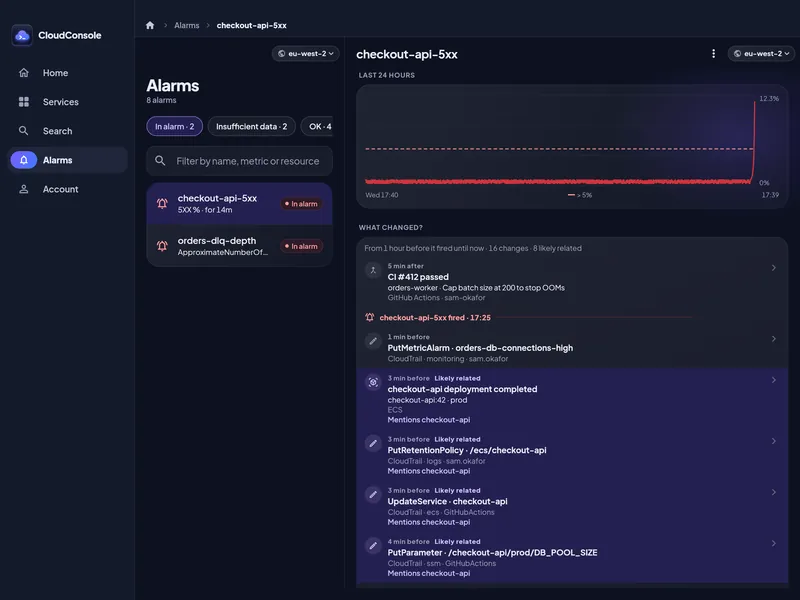
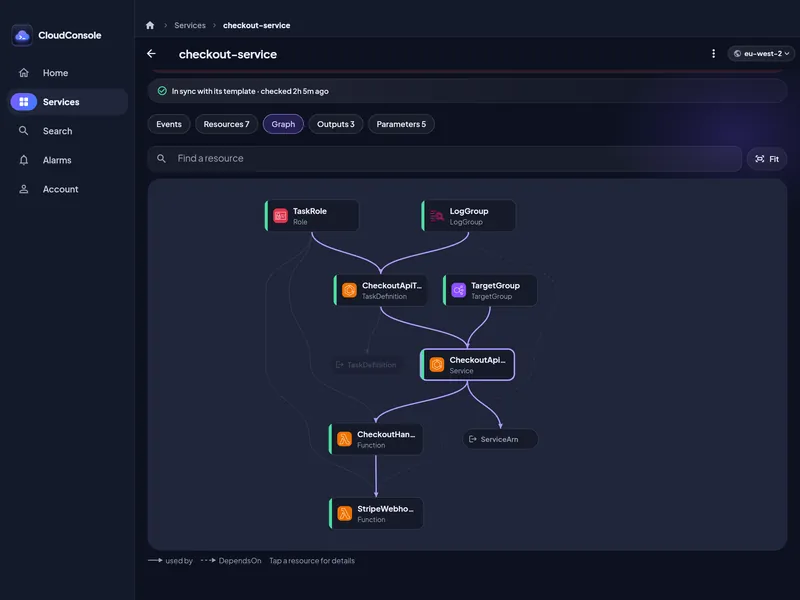
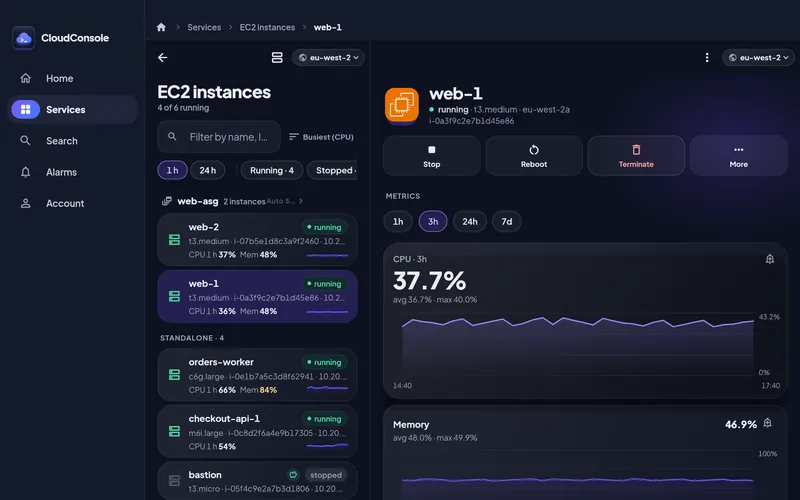
In a window at least 880 points wide, EC2, RDS, Lambda, ECS services, S3 buckets and Alarms show the list and the item you picked next to each other. Pick another row and the detail follows. Pages you open from the detail stay in that pane, and the breadcrumbs in the top bar take you back to any level.
A sidebar instead of tabs
When the window is at least 700 points wide and 640 tall, the tab bar becomes a sidebar: a compact rail, with labels from 1180 points. The layout follows the window, not the device, so a narrow Split View window gets the phone layout and a wider one gets the sidebar. Your place in each tab is kept when the window changes size.
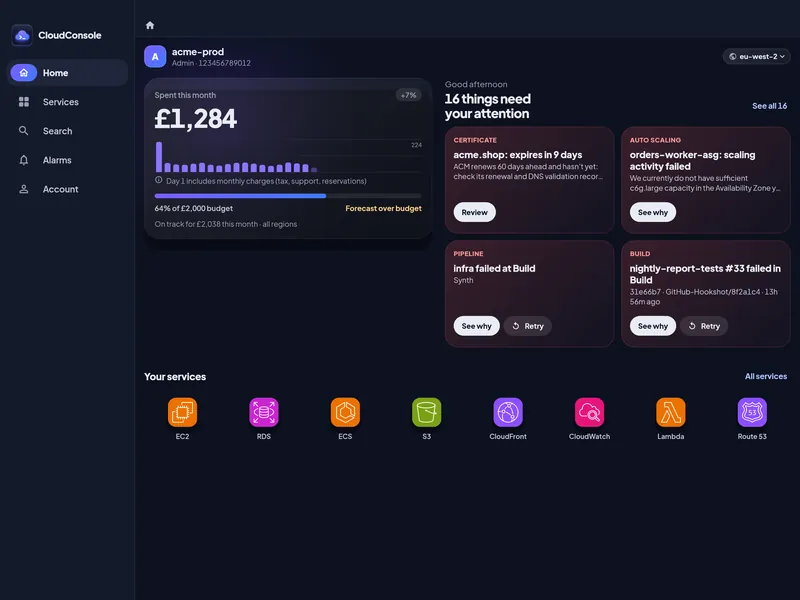
Home and Services use the space
On a wide screen, Home puts this month’s spend next to a two-column grid of what needs attention, and Services shows every service as a tile. Detail pages keep a comfortable reading width instead of stretching across the screen.
Keyboard shortcuts
With a hardware keyboard, ⌘K (or Ctrl+K) opens Search, ⌘R (or Ctrl+R or F5) refreshes what’s on screen, and ⌘1 to ⌘5 switch tabs.
The same app, the same safeguards
It’s the same app as on iPhone, with the same guardrails, Face ID and read-only accounts. Credentials stay on the device they were added on, so connect your AWS accounts on the iPad too. On Android, tablets and unfolded foldables get the same layout.
Questions
Is there an AWS console app for iPad?
Yes. CloudConsole, an independent app, runs on iPad from version 1.0.3 with a layout made for the bigger screen: a sidebar, and lists with the detail beside them. Amazon’s own AWS Console Mobile Application also runs on iPad.
Does it work in Split View and Stage Manager?
Yes. The layout follows the window size: a narrow window gets the phone layout and a wider one gets the sidebar and side-by-side lists. All four orientations work.
Does it work on Android tablets?
Yes. On Android tablets and foldables the same wide layout appears when the window is wide enough.
Do I pay again for the iPad?
No. It is the same app. Pro is a subscription on your Apple ID: on the iPad, go to Account → Plan and tap Restore. On Android, the same works with your Google account.
Try CloudConsole
On the App Store for iPhone and Google Play for Android. Look around the demo, GitHub and Slack included, before connecting an account.