 CloudConsole
aws cloudformation detect-stack-drift
aws cloudformation detect-stack-drift --stack-name my-stack starts an asynchronous check that compares each supported resource's live configuration with the template. It returns a StackDriftDetectionId; poll describe-stack-drift-detection-status for the result, then describe-stack-resource-drifts for the exact property differences.
What the command does
Drift is any change made to a stack's resources outside CloudFormation: a security group rule added in the console, a Lambda timeout raised during an incident, a bucket policy edited by hand. Drift detection finds these so the next deployment does not silently undo them, or fail because of them.
It runs in three calls: start detection, wait for it to finish, then read the per-resource results.
Syntax
aws cloudformation detect-stack-drift --stack-name <name> \
  [--logical-resource-ids <LogicalId> ...]
Worked examples
Start detection and capture the ID:
id=$(aws cloudformation detect-stack-drift --stack-name orders-api \
  --query StackDriftDetectionId --output text)
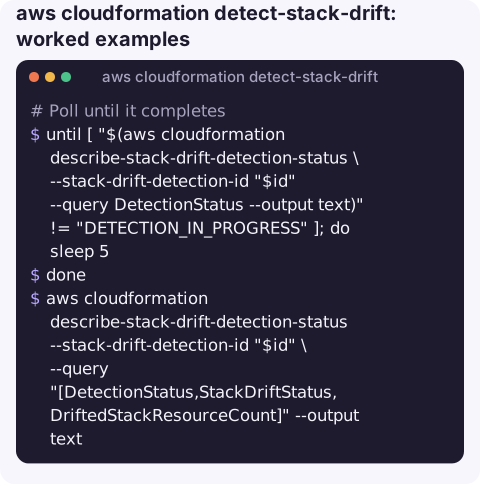
Poll until it completes (no built-in waiter exists for this):
until [ "$(aws cloudformation describe-stack-drift-detection-status \
    --stack-drift-detection-id "$id" --query DetectionStatus --output text)" != "DETECTION_IN_PROGRESS" ]; do
  sleep 5
done
aws cloudformation describe-stack-drift-detection-status --stack-drift-detection-id "$id" \
  --query "[DetectionStatus,StackDriftStatus,DriftedStackResourceCount]" --output text
See exactly what changed on drifted resources:
aws cloudformation describe-stack-resource-drifts --stack-name orders-api \
  --stack-resource-drift-status-filters MODIFIED DELETED \
  --query "StackResourceDrifts[].{id:LogicalResourceId,status:StackResourceDriftStatus,diffs:PropertyDifferences[].[PropertyPath,ExpectedValue,ActualValue]}"
Example result: PropertyPath /Timeout, expected 30, actual 120, which is the incident fix someone made and never put back in the template.
Check just one or two resources, which is quicker on large stacks:
aws cloudformation detect-stack-drift --stack-name orders-api \
  --logical-resource-ids ApiSecurityGroup ProcessorFunction
Running it regularly
Drift is cheapest to deal with when it is recent and someone still remembers why the change was made. A scheduled job that runs detection on production stacks weekly and posts any DRIFTED result to the team channel catches most incident fixes before they become surprises in the next deploy.
Reading the results
| Status | Meaning |
|---|---|
IN_SYNC | Live configuration matches the template |
MODIFIED | One or more properties differ; see PropertyDifferences |
DELETED | The resource no longer exists |
NOT_CHECKED | Drift detection does not support this resource type, or it was skipped during a rollback |
Then what?
- Keep the change: put the new value in the template and deploy, so the template and reality agree again.
- Reject the change: put the resource back by hand, or change the property in the template so CloudFormation has something to apply. A redeploy of an unchanged template does not touch the resource, so it does not undo drift on its own.
- Deleted resources usually need recreating by hand or removing from the template; an update that tries to modify a missing resource fails.
Gotchas
- Only properties set in the template are compared. A default value changed by hand is not reported as drift.
- Not every resource type is supported. Unsupported types show as
NOT_CHECKED; absence of drift there means nothing. - One detection at a time per stack, and it can take minutes on large stacks.
- Nested stacks are checked separately. Run detection on each nested stack, or check the parent's results for nested stack resources.
Questions
How long does CloudFormation drift detection take?
From seconds for a small stack to several minutes for a large one. Poll describe-stack-drift-detection-status until DetectionStatus is no longer DETECTION_IN_PROGRESS.
Does drift detection change anything?
No. It only reads resource configuration and records the result. Fixing drift is a separate step.
Can I detect drift on all stacks at once?
Not in one call. Loop over aws cloudformation list-stacks output and start detection for each stack; AWS Config also has a managed rule that flags drifted stacks.
Incident fixes made by hand are the most common source of drift. CloudConsole is built with production guardrails and to show resources and recent changes on a phone.
About the app → · Download on the App Store